Usage
A tour of the widget and what the agent can do.
Once conciv is installed, a conciv button sits in the corner of your dev app. It appears only when the engine is live.
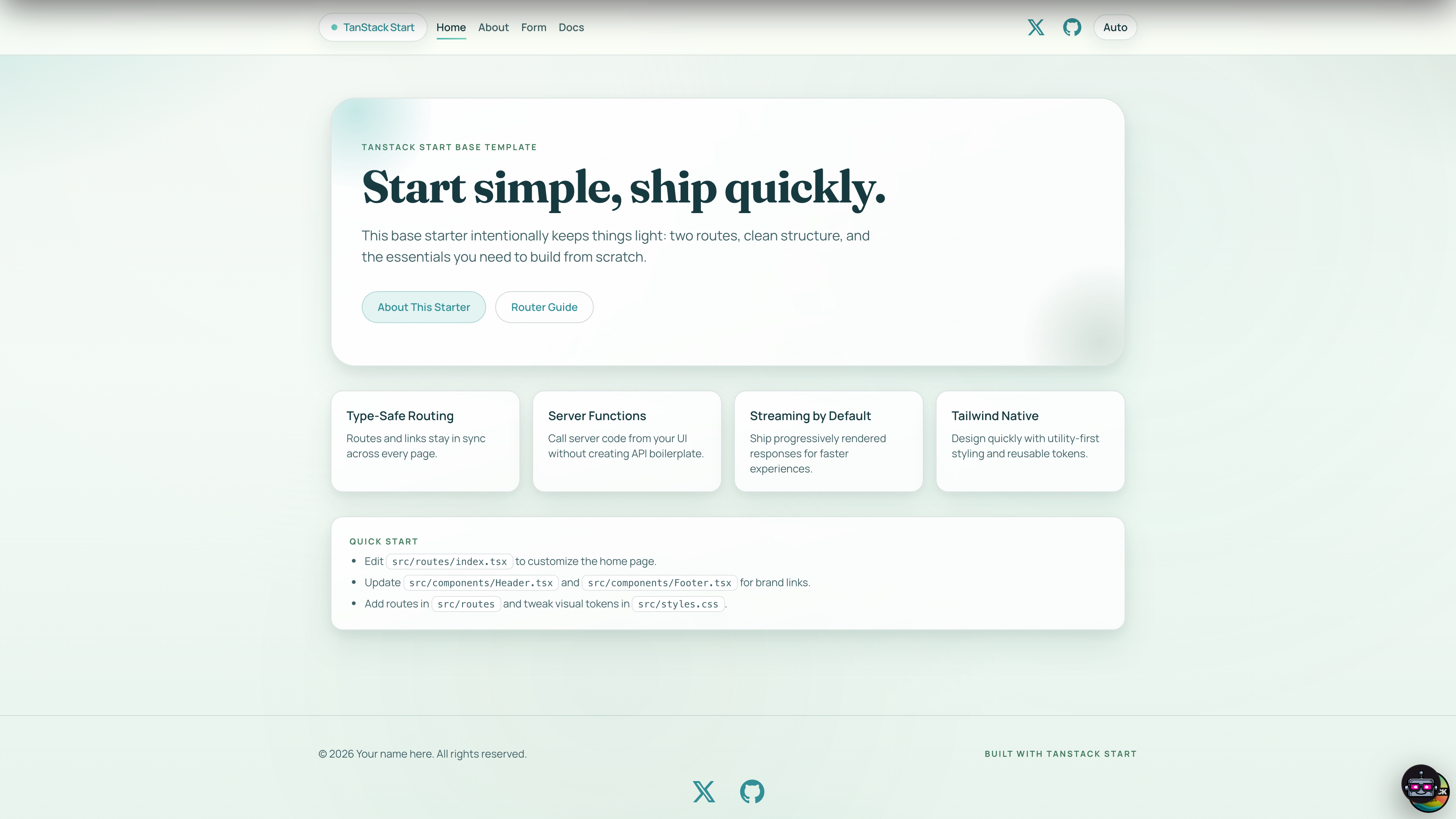
Click it to open the chat panel. From here you talk to the agent, watch it work, and answer its prompts.
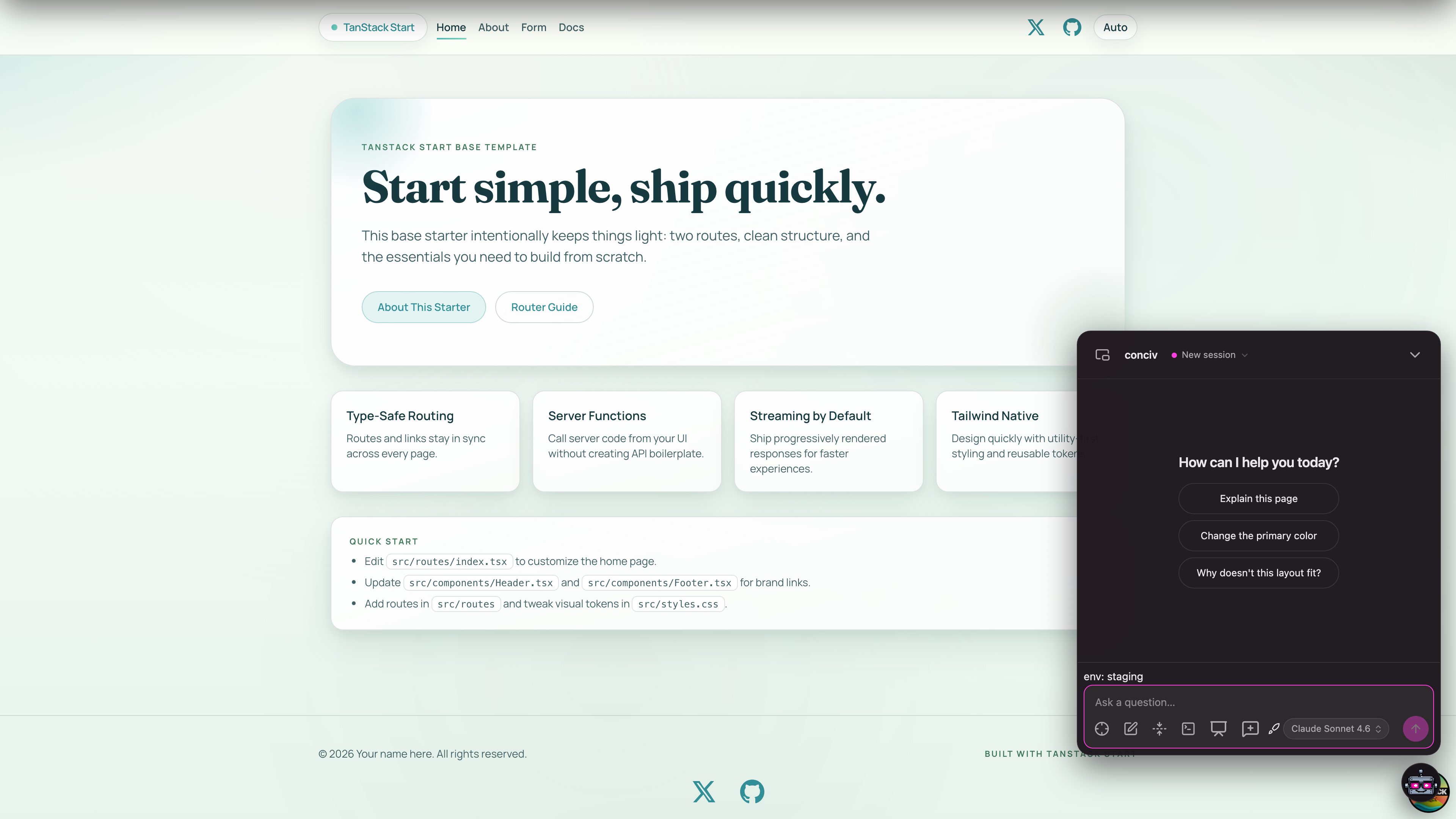
Capabilities
Chat
Ask about the page you are on. The agent reads the real DOM to ground itself.
Page control
It drives and edits the live page, then persists the change to source.
Live tests
Run your tests and watch results stream into a card.
Whiteboard
A shared Excalidraw canvas over the app. You sketch, the AI draws back.
Quick Terminal
Drop the agent from the top of the page on a hotkey, iTerm style.
Approvals
Approve or deny risky commands before they run.